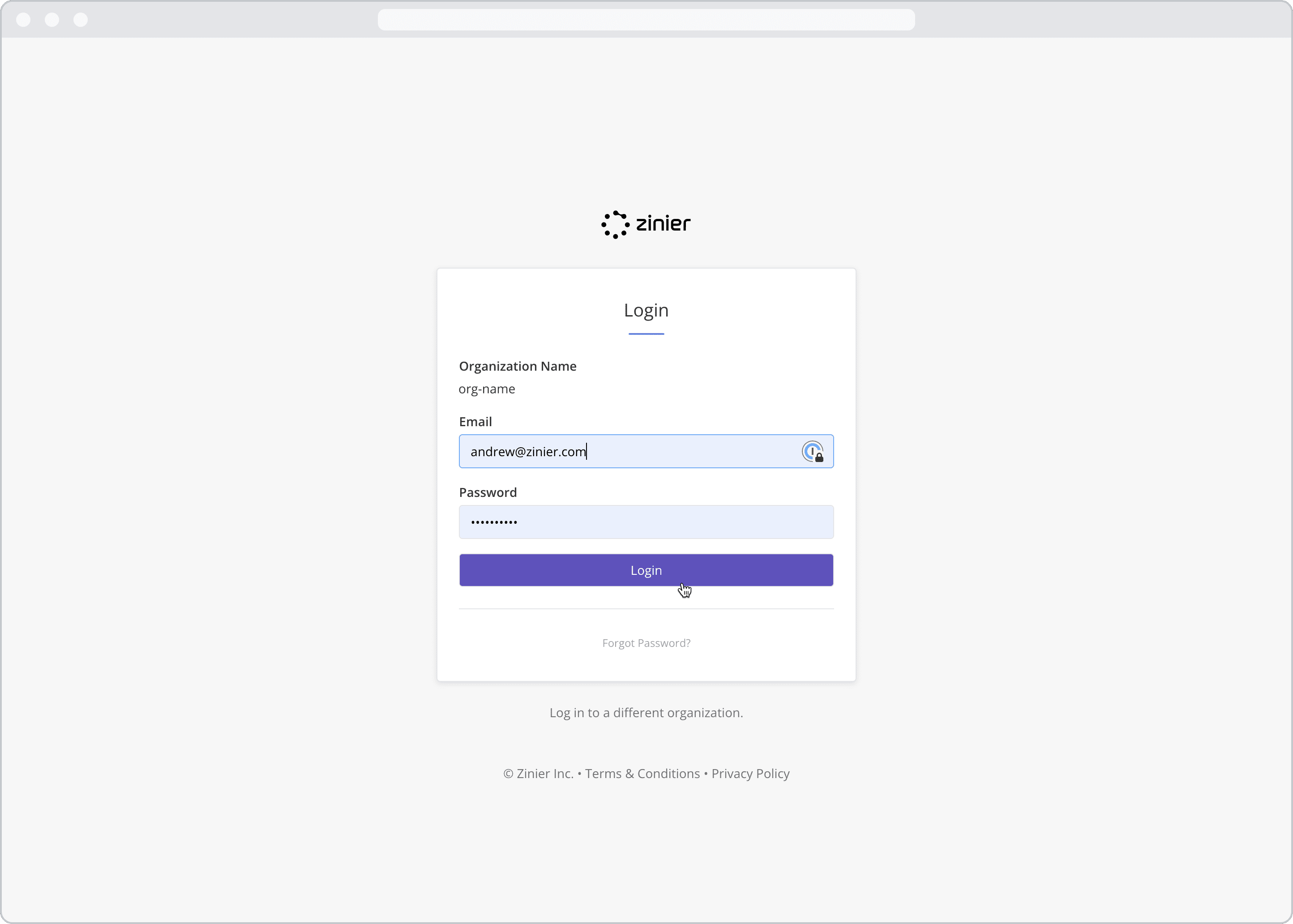
This article outlines how to reset your password via the web.
How to reset your password
-
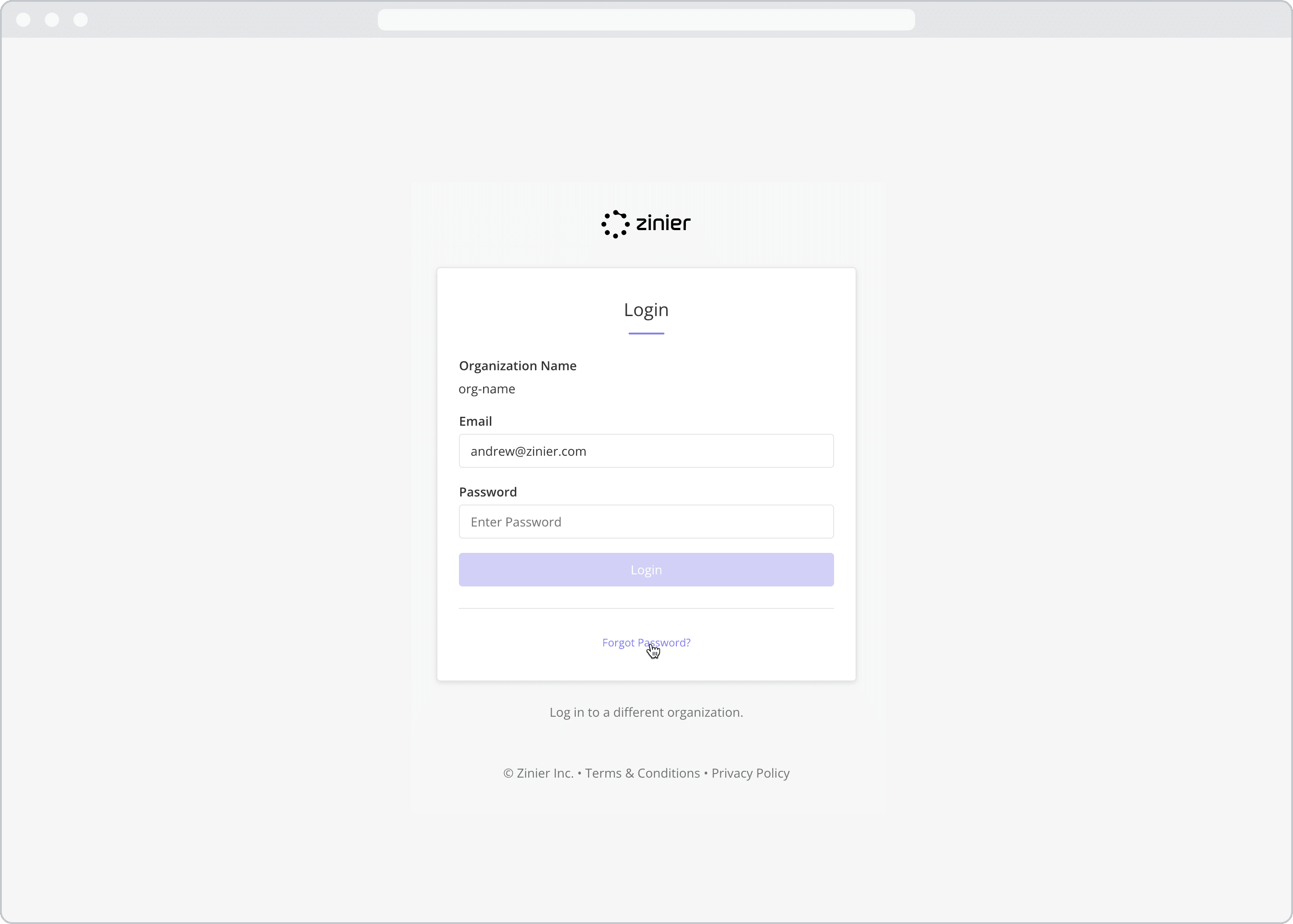
From the log in screen, click “Forgot Password?”
-
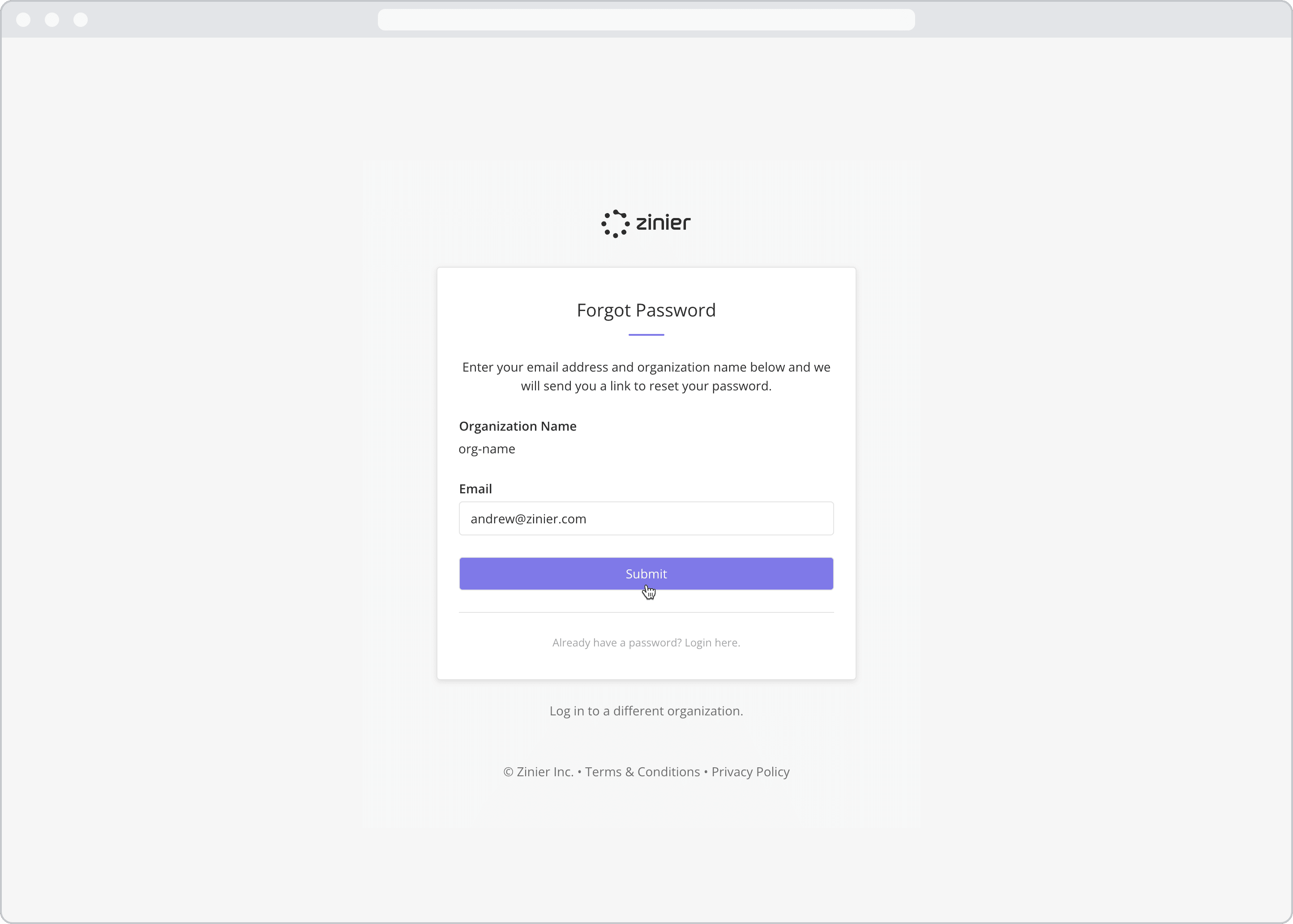
Enter your Email Address and click the “Submit” button
-
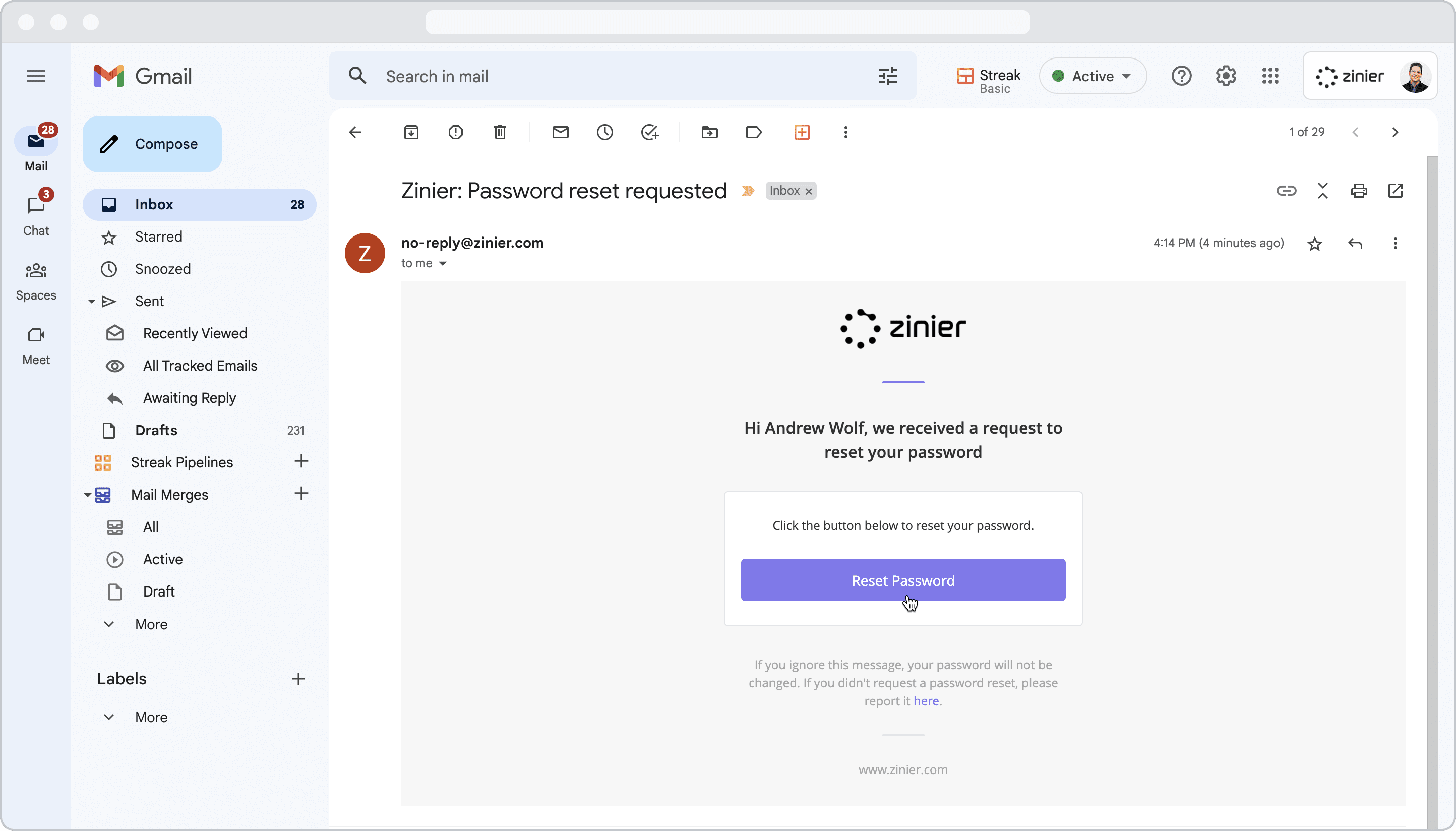
An email containing the reset instructions will be sent to your email address with the title “Zinier: Password reset requested”. Open the reset email and click the “Reset Email” button in the body of the email.
-
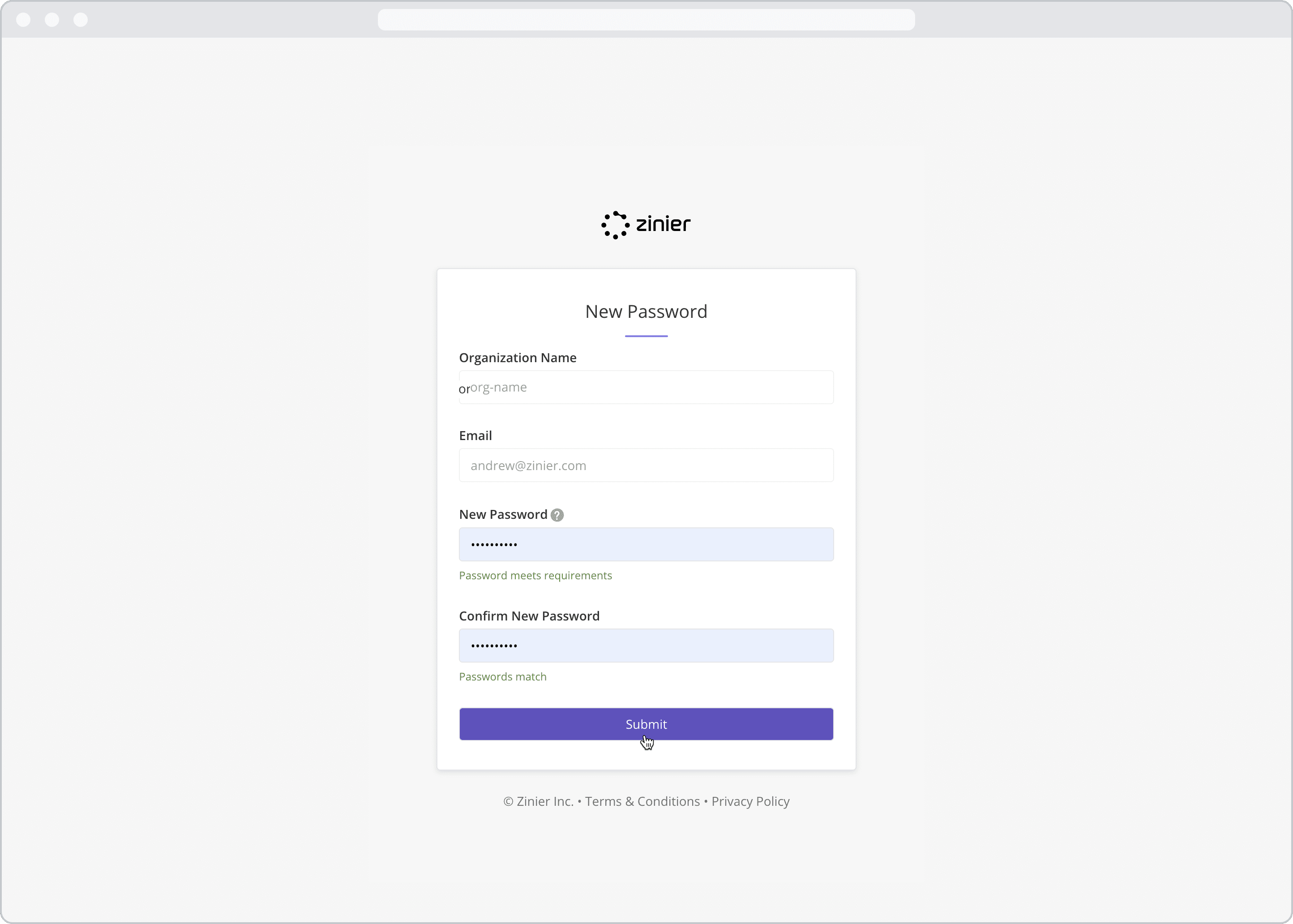
Enter and confirm your New Password and click Submit
-
Enter your new login credentials and click the “Login” button